

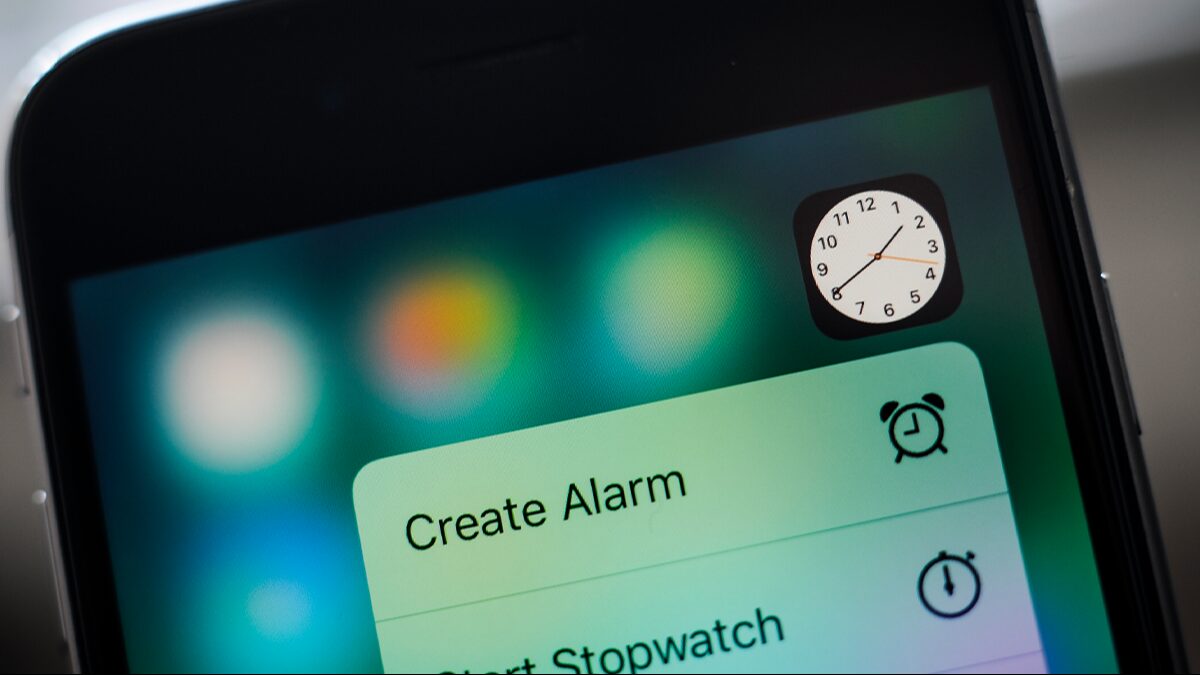
Apple fans are known for noticing the smallest quirks in iOS, and the latest one has people doing a double-take after spotting an unexpected detail inside the Clock app.
In recent days, chatter has picked up again on social media after one iPhone user pointed out a behaviour shift that sparked a quiet debate: is it Apple being obsessively precise, or simply a clever way to conserve power?
As usual with iPhone discoveries, reactions split quickly. Some called it a brilliant bit of design, while others argued the explanation is far more straightforward once you think about how the phone manages performance.
The conversation took off after tech creator Shishir noticed something odd while toggling settings on their device.
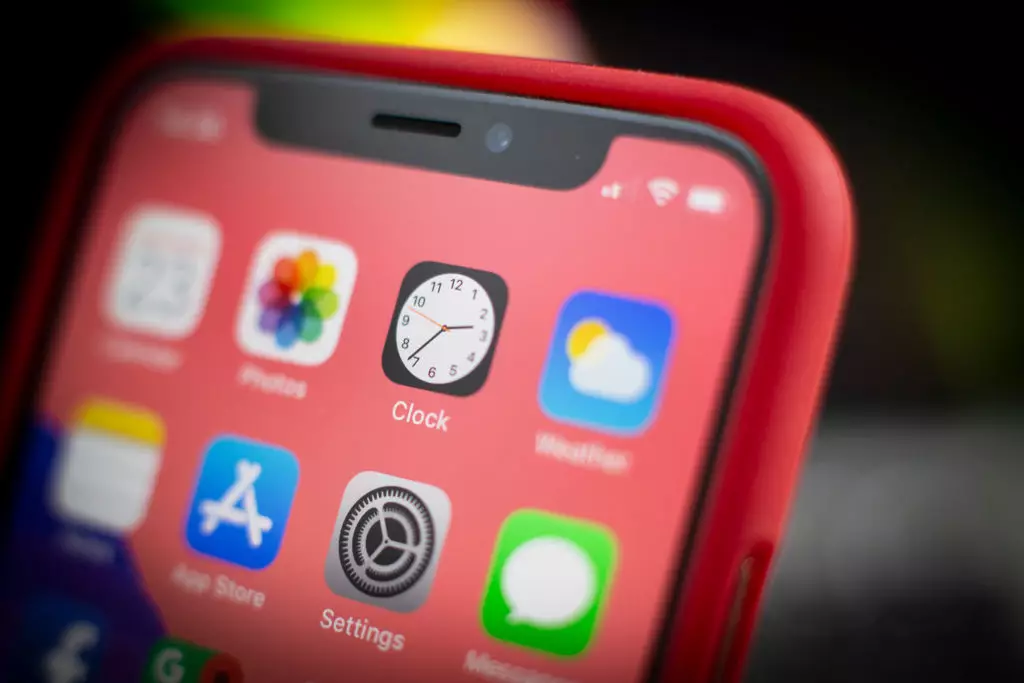
At first glance, everything looked normal: the familiar Clock icon sitting on the home screen, doing what it always does.
Wait… the Clock icon on iOS ticks like quartz watch in low power mode and mechanical in normal mode???
That’s ridiculous attention to detail
— Shishir (@ShishirShelke1) February 19, 2026
But after taking a closer look, Shishir shared what they’d found on X (formerly Twitter), writing: ‘Wait… the Clock icon on iOS ticks like quartz watch in low power mode and mechanical in normal mode???’ the user wrote online. ‘That’s ridiculous attention to detail.’
What they were referring to is the movement of the second hand on the iPhone’s Clock icon. In regular use, the hand appears to sweep smoothly around the dial. Switch on Low Power Mode, and it seems to jump forward once per second instead. Shishir interpreted this as a deliberate choice—almost like the icon is mimicking different watch styles depending on the mode you’re in.
It’s not an attention to detail, it’s an easy point to save battery!
When you animate the entire flow, that is more pixels having to turn on and off. When you cut each second, the pixels are doing less, saving battery life.
— Morris Richman (@morrisinlife) February 19, 2026
Others weren’t sold on the idea that it was a creative flourish. One person responded: “It’s not an attention to detail, it’s an easy point to save battery! When you animate the entire flow, that is more pixels having to turn on and off. When you cut each second, the pixels are doing less, saving battery life.”
I think its merely due to the refresh rate of the always on screen that goes down to 1/s
— Till (@t1llmann) February 20, 2026
Another user suggested the change could be tied to display behaviour, adding:”’I think it’s merely due to the refresh rate of the always-on screen that goes down to 1/s.”
Someone else echoed the performance angle too, writing: “It’s probably not attention to detail but rather saving some battery by processing lesser frames.”
Apple has previously outlined that Low Power Mode scales back various processes to stretch battery life. On its support page, the company explains: “When the battery level gets low, Low Power Mode reduces background activity on iPhone and iPad devices to extend battery life.”
For a few people, the technical reasoning made the whole thing even more impressive.
One commenter wrote: “It’s even cooler than that – the screen goes down to 1Hz refresh rate. Super smart stuff.”’