

iPhone owners are being alerted to a quietly spreading scam that can be very difficult to sidestep, as it abuses the Calendar app and can be used to lure people into giving up sensitive information.
Cybersecurity specialists say fraudsters are increasingly pushing bogus event invitations straight into Apple’s built-in Calendar. The key problem is that, unlike email, calendar invites don’t offer the same kind of spam filtering—so unwanted entries can show up without much standing in their way.
Once these events land in your Calendar, they’re designed to pressure you into reacting quickly. Many of the invites include alarming messages intended to trick you into sharing personal details, clicking malicious links, or taking steps that could ultimately expose your device—or even financial accounts.
A common tactic is to claim you’ve been charged for an expensive purchase, or that your phone has been “compromised,” prompting you to tap a link to dispute the payment or “secure” your account. That link can lead to phishing pages built to harvest logins and other private data.
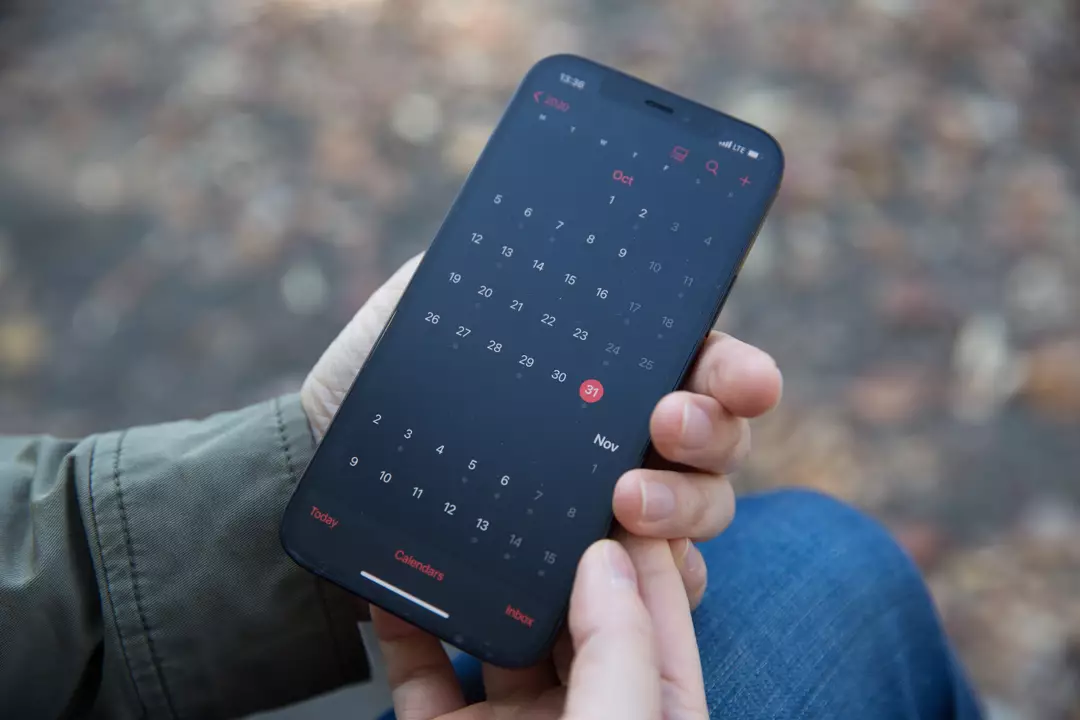
Because the approach is so simple and can look convincing at a glance, experts are urging iPhone users not to open unexpected calendar invitations—or click any links inside them. As a general safety rule, avoid tapping unfamiliar links or website addresses, especially when they arrive out of the blue.
The New York Post has reported that part of the reason these scams can spread is that calendar invitations may bypass some of the checks people assume will catch malicious content elsewhere.
And unlike old-fashioned phishing emails that are easy to spot, these notifications can appear more “official,” sometimes including invoice-style references and other details meant to imitate legitimate billing or security alerts.
It’s not always clear how individuals end up being targeted. Some analysts suggest that something as minor as interacting with a pop-up while browsing on an iPhone could lead to unwanted calendar additions later on.

In many cases, the result is that a separate, spam-heavy calendar gets added alongside your normal calendars—meaning the “events” can keep appearing until that subscription is removed. Because it blends in with legitimate calendars, it can be easy for everyday users to miss what changed.
When iPhone users asked for help after being overwhelmed by invite spam, experienced Apple users on a subreddit shared steps and best practices for dealing with the problem.
They advised: “Rule of thumb is common sense. If they’re using calendar events to communicate with you, they certainly did not hack into your device.”
Others stressed that, once you’ve cleaned it up, you should be more cautious going forward—particularly around unknown links or prompts—adding: “You need to go into your Calendar subscriptions and remove any that you do not recognize as having subscribed to and then be more careful in opening emails going forward.”
Apple’s advice on getting rid of these dangerous nuisance calendar invites is as follows
How to remove calendar spam on your iPhone in iOS 14.6 or later
How to remove calendar spam on your iPhone in earlier versions of iOS