

As the academic year starts to wind down and summer approaches, many students are coming off the back of exams promising themselves they’ll be better prepared next time—while simultaneously pretending their inbox doesn’t exist. It’s that familiar season when you insist next term will be different, with less last-minute chaos and fewer 2am “why did I leave this until now?” moments.
But keeping on top of lectures, notes, assignments and revision is rarely straightforward. Most of the time it feels like you’re trying to manage everything across multiple apps, a handful of group chats, and a sleep routine that’s doing absolutely nothing to help.
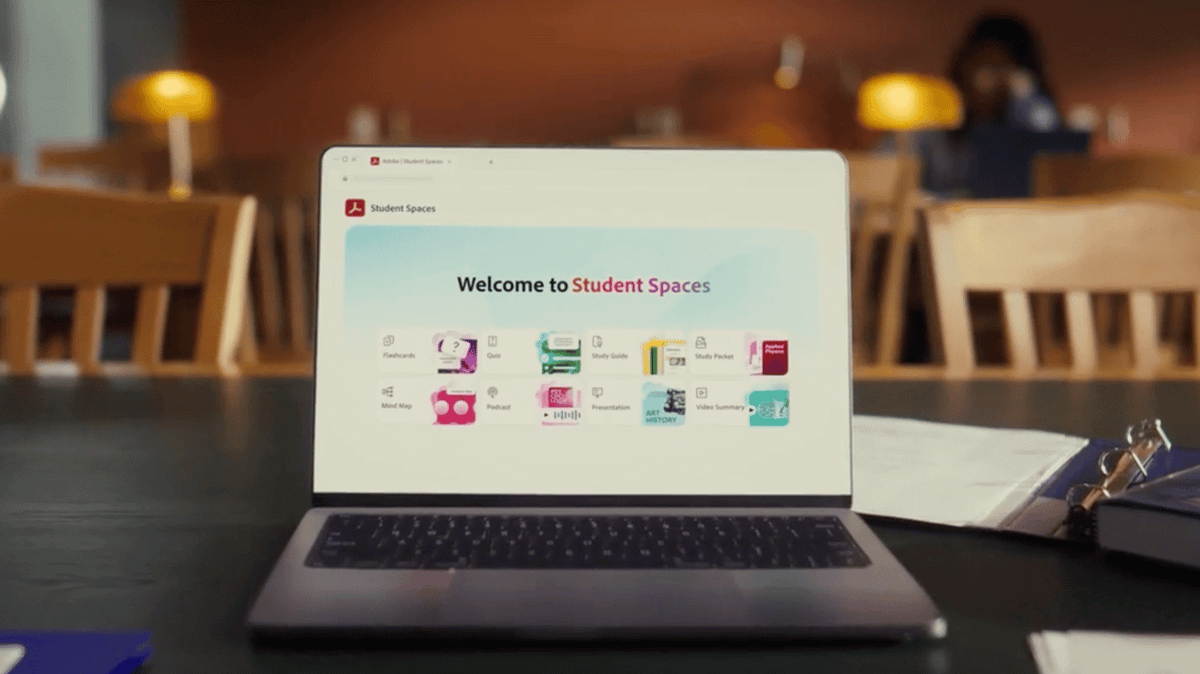
If that all sounds a bit too relatable, there’s something worth knowing. AI is starting to shift student study habits away from basic, static tools and towards more supportive systems—and one of the latest examples is Adobe’s Student Spaces in Acrobat. It’s a new (and free) beta platform built to make studying, organising and revising far more manageable.
Created with feedback from more than 500 student testers (including students from Harvard, Berkeley and elsewhere), it’s designed to function as a central study hub. It can help you pull together notes, plan exam prep, work with others on projects, and build presentations. It also includes features such as a 24/7 AI tutor, audio summaries, mind maps, flashcards and quizzes.
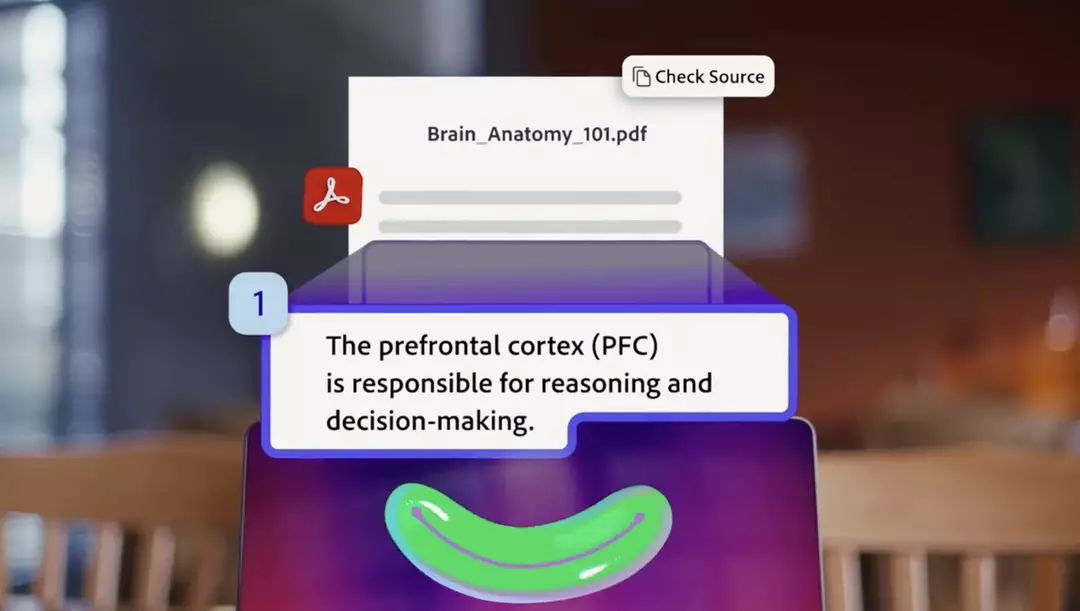
One of the biggest advantages is that it works directly from your own course content, providing citations—so you can see where information is coming from rather than relying on vague, untraceable answers.

It’s particularly useful in the situations students know too well: it’s late, you’ve got a long reading to get through, and your concentration is gone. Instead of forcing yourself through every page, Student Spaces can pull out the core points you need for that early seminar, helping you focus on what actually matters.
It can also take the sting out of revision prep. Flashcards are a great idea in theory, until you’ve spent ages formatting them and still haven’t learned anything. With Student Spaces, you can upload documents, notes and links, then generate flashcards, study guides, mind maps, quizzes and more. The goal is to turn a messy pile of course materials into something you can realistically revise from.
It even helps with presentation prep—especially when you’re stuck staring at a blank deck. Student Spaces can create editable outlines and presentation drafts using Adobe Express, giving you a proper foundation to build from. You can still personalise everything, but you’re no longer starting from nothing.
And when there’s that one topic that made perfect sense in the lecture but disappears the moment you sit down to revise, the AI tutor can break it down, answer questions, and point you to cited sources so you can verify the information instead of guessing.
For 19-year-old student Margaux, who studies Professional Dance and Musical Theatre at the University of Greenwich, Student Spaces has the potential to completely transform the way she studies. “I’ve loved trying Student Spaces because it transforms the information you need to know into a way that works for you, optimising study time and eliminating the stress of not understanding something,” she explains. “It’s so quick to upload class materials so you get a range of study tools customised to you and your learning style.”
She says the AI flashcards are a standout feature because they remove the time-consuming part of building resources from scratch. In her words: “It can easily transfer your notes and course materials in a way that makes sense to you.”
She also highlights the podcast-style learning tool, particularly because it suits studying while doing other things. “I rarely have enough time to sit down and study, so this is definitely one of my favourite features,” she says. “Being an audible learner, this is really helpful for me as I can listen whilst I walk, do my washing up, or anything else that comes with the student life. The way that the podcasts are created makes learning feel much more conversational and less of a chore. Student Spaces will allow me to study more efficiently whilst still having time to fit everything into my busy schedule.”
Getting set up is simple:
· Go to the Student Spaces website.
· Select ‘Get started’.
· Upload your files by dragging and dropping them, or enter what you want to study.
· Press ‘Create student space’ to organise everything in one place.
· Or browse curated Student Spaces that are already prepared.
Ultimately, it’s not about turning studying into something unrecognisable—it’s about reducing friction. Less time organising, less time starting from scratch, and less stress when deadlines come around. So when next term arrives and you tell yourself you’ll be more on it, this could be the kind of tool that actually helps make that happen.