

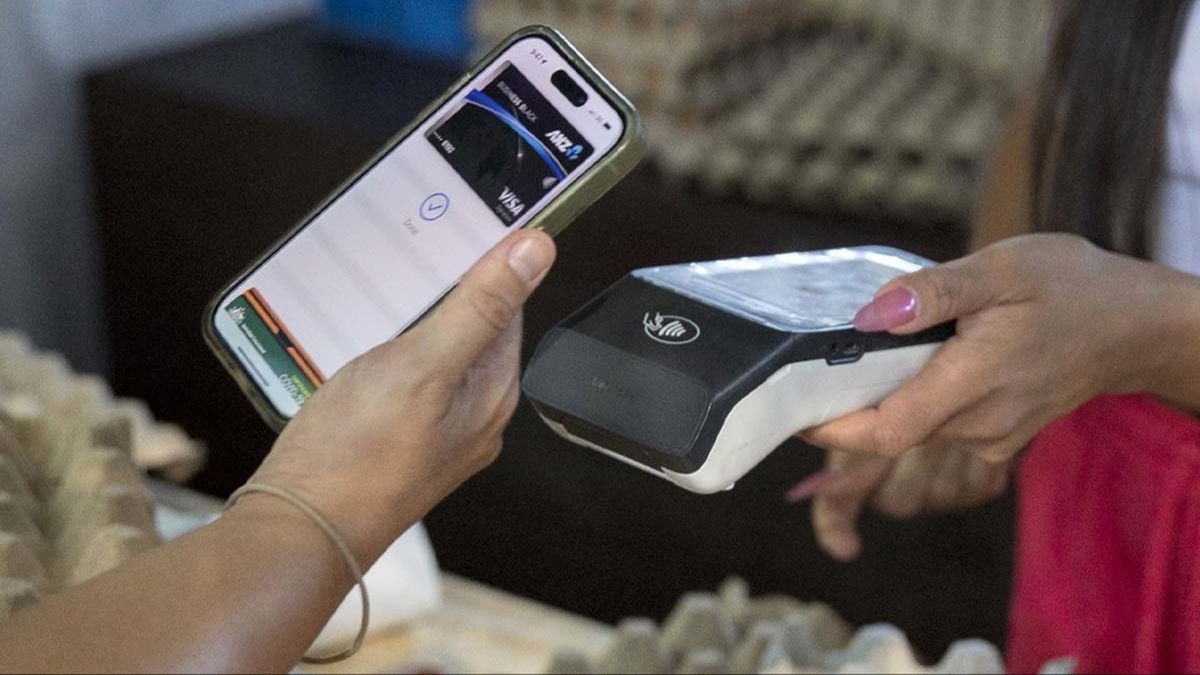
Experts are warning Apple Pay users about a fast-moving scam that’s reportedly gaining traction across the US.
Apple Pay has become a go-to option for millions of people thanks to its contactless payments and digital wallet features, letting users pay without pulling out a physical bank card.
That popularity also makes it an attractive target for criminals, and consumer advocates say a new round of fraud attempts is catching people off guard.
According to an April 8 report from ConsumerAffairs, scammers are using realistic-looking alerts alongside urgent phone calls and text messages to pressure victims into handing over money or sensitive information.
The setup often starts with a message that appears official, warning that an Apple Pay transaction looks suspicious and urging the recipient to take immediate action.
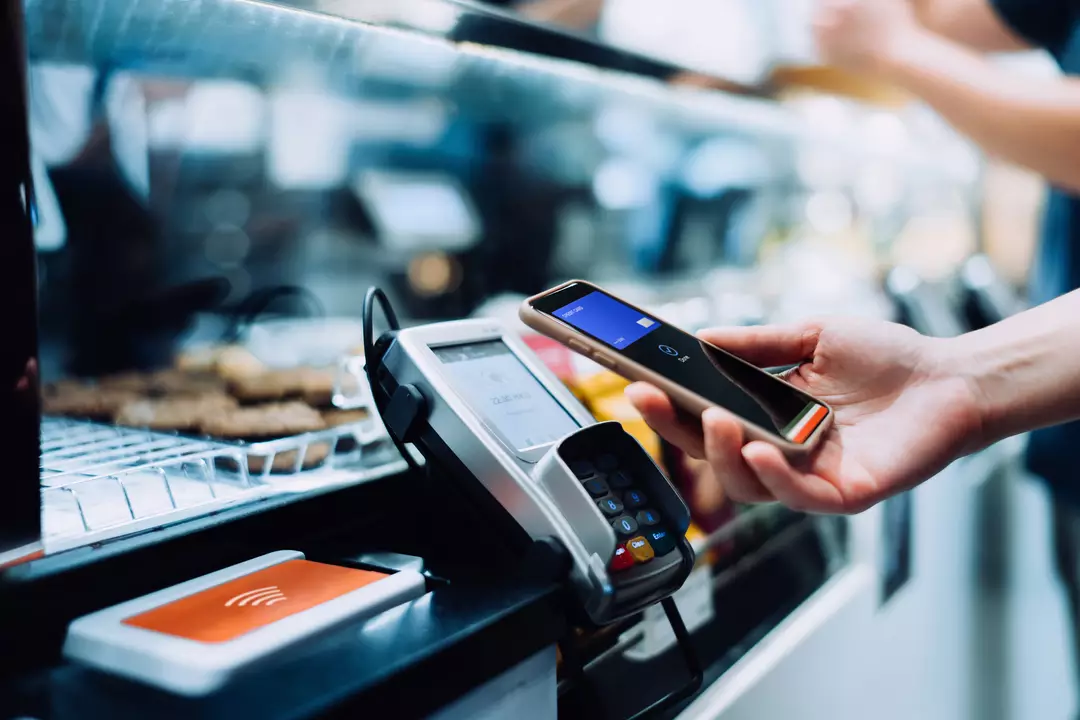
ConsumerAffairs shared an example of how convincing these messages can be—and how quickly the situation can escalate once a victim responds.
ConsumerAffairs said: “A series of reports highlights how convincing these schemes can be. In one case, a victim received a text warning of a suspicious Apple Pay charge and was urged to call a number for help. The call connected her directly to a scammer posing as an official investigator, who ultimately convinced her to withdraw $15,000.”
“Fortunately, a bank teller recognized the scam and told her to hang up,” it added.
ConsumerAffairs also outlined the typical claims these messages make, such as saying a payment was attempted or declined, that an account has been locked or is under investigation, or that urgent steps are needed right away.
The outlet said it also highlighted warning signs people should watch for, stressing that one of the most important rules is that Apple does not send unsolicited texts asking you to call support or share confidential details.
Apple has also previously published advice aimed at helping customers spot and avoid impersonation scams.
“Eventually scammers will request your account information or security codes,” it states on a support page.
“Typically, they will send you to a fake website that looks like a real Apple sign-in page and insist that you verify your identity.
“Apple will never ask you to log in to any website, or to tap Accept in the two-factor authentication dialogue, or to provide your password, device passcode or two-factor authentication code, or to enter it into any website.”