


It’s not a glitch — Apple may be intentionally stopping your iPhone charging at 80%, and there are two different explanations for why it’s happening
A lot of iPhone owners have been confused after spotting their handset won’t charge beyond 80%. The issue has blown up online too, with one viral tweet drawing thousands of responses from people who assumed something had gone wrong.
That tweet asked whether the behaviour was a “genius battery feature or Apple nonsense”, and in most cases it’s the former — your phone is doing what it was designed to do.
However, the specific reason yours is stopping at 80% isn’t always the same, depending on your model and settings.
Here’s what’s going on.

There are two separate, built-in reasons an iPhone might pause at 80%, and neither is a fault.
The first is Apple’s Optimised Battery Charging feature.
Apple Support explains that lithium‑ion batteries age faster when they sit at 100% for long stretches. To reduce that wear, your iPhone can learn your routine and hold charging at roughly 80%, then complete the remaining 20% closer to the time it expects you to take the phone off charge.
It can feel odd at first, but the aim is to slow battery ageing and preserve long-term battery capacity.
The second cause applies to iPhone 15 and newer devices. Apple added a charge-limit setting that allows you to set a maximum charge of 80%, 85%, 90% or 95%.
The problem is many people have unknowingly enabled a limit — then assumed their battery was failing when, in reality, the phone was following the selected cap exactly.
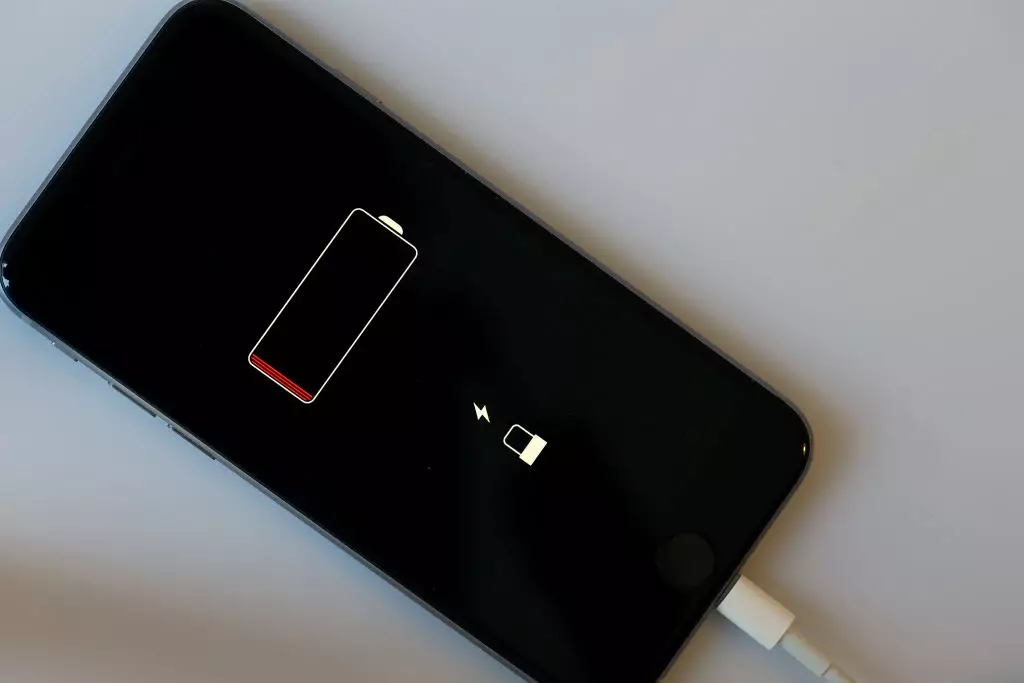
To check what’s happening on your device, head to Settings > Battery and look at the charging options. If a charge limit has been set to 80%, you can change it back to 100% in a few taps.
If Optimised Battery Charging is responsible, you’ll find the switch for that feature in the same area of the Battery settings.
It’s worth remembering both tools are there for battery longevity. Charging to 100% all the time can contribute to faster wear over months and years, so if you’re prioritising long-term battery health, leaving an 80% cap enabled may actually work in your favour.