

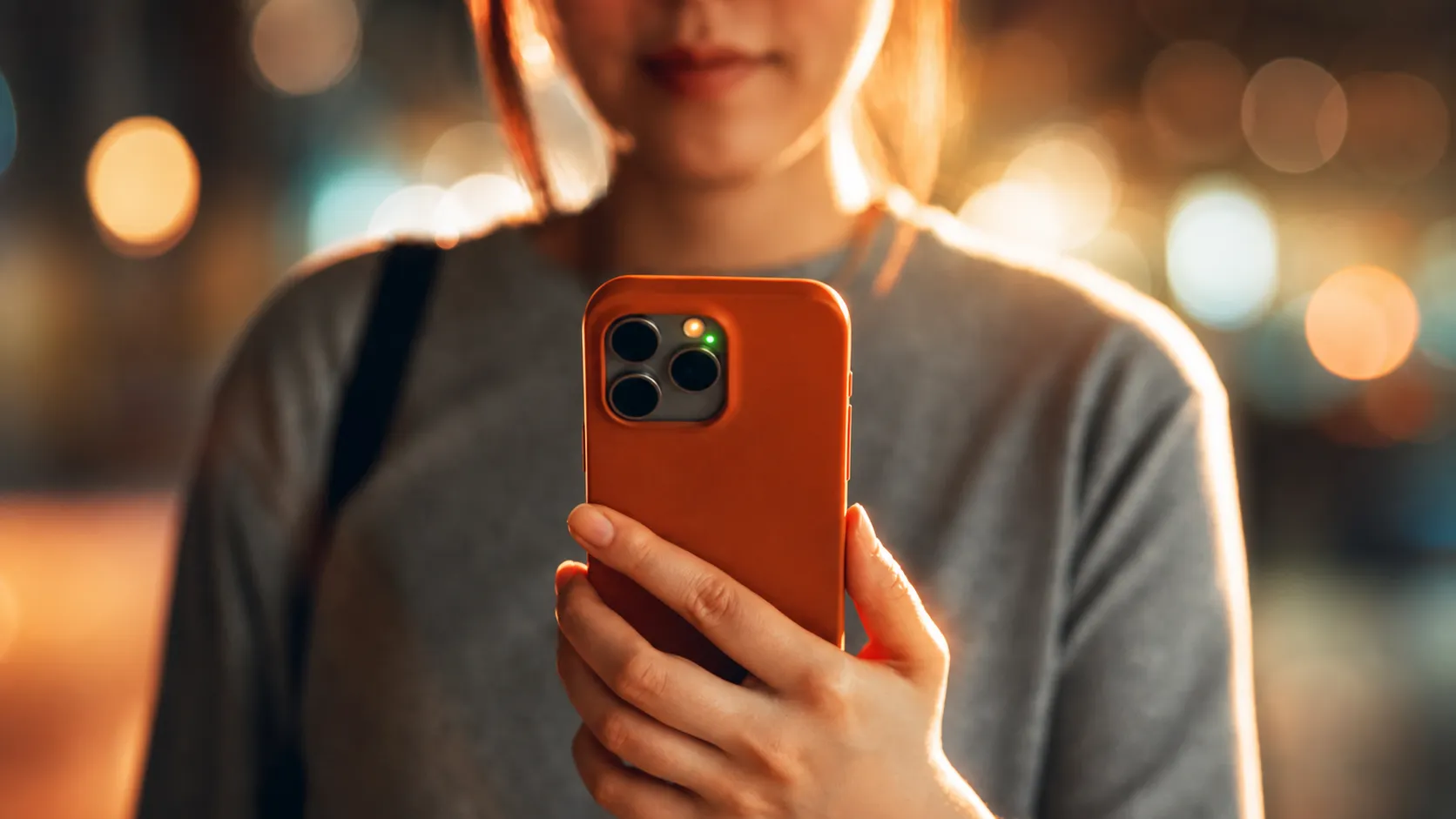
Some iPhone owners are only just finding out what the orange and green dots at the top of their screen are actually for.
Apple devices have been part of daily life for years for many people, but even longtime users still come across features they never paid much attention to before.
One detail that has sparked fresh interest is the pair of colored indicators that can appear near the signal and battery area at the top right of the display.
The topic recently picked up traction on social media after one user asked on X: “I’m curious about the difference between green light and yellow light. Does anyone know how they differ?”
Plenty of people jumped into the replies with their own explanations, although not all of them were serious.
“Green shows that your iPhone is fake, straight from Temu, orange I don’t know,” one person wrote.
While a second added: “Green means you’re being watched. Orange means you’re being listened to.”
I'm curious about the difference between green light and yellow light. Does anyone know how they differ? pic.twitter.com/Z8FSYAqv4u
— Pretty Chauhan (@pretty_sarlin) June 13, 2026
Apple says the indicators are privacy alerts built into iPhone. Since iOS 14, an orange dot, an orange square, or a green dot can appear when an app is using the microphone or camera.
According to the company: “An orange indicator means that the microphone is being used by an app on your iPhone. This indicator appears as an orange square if the Differentiate Without Colour setting is turned on in Settings > Accessibility > Display & Text Size.”
It also explains the green symbol, stating: “A green indicator means either the camera only or the camera and microphone are being used by an app on your iPhone.”
The feature is designed to make it easier for users to know when an app is actively accessing the microphone or camera, and it remains part of Apple’s latest iPhone software, including iOS 26.
If you tap into Control Center on an iPhone with Face ID, Apple also shows which app most recently used your camera or microphone, giving users another quick way to check what is happening on their device.
Apple’s recent software updates have continued to lean into privacy and transparency, with the company also previewing new accessibility features and Apple Intelligence updates at its latest Worldwide Developers Conference.
Among the latest AirPods updates Apple has highlighted are studio-quality audio recording and Camera Remote features for AirPods 4, AirPods 4 with Active Noise Cancellation, and AirPods Pro 2.
The company said those features are arriving as part of the broader software updates tied to iOS 26, with Apple describing them as a free firmware update later this year.
Apple said in a press release: “AirPods users can now enjoy custom EQ to further personalize how their AirPods sound. And with expanded Apple GymKit functionality, users with AirPods Pro 3 can sync their heart rate data through iPhone while enjoying incredible audio quality.”
The custom EQ feature will work with AirPods Max 2, AirPods Pro 3, and AirPods 4.